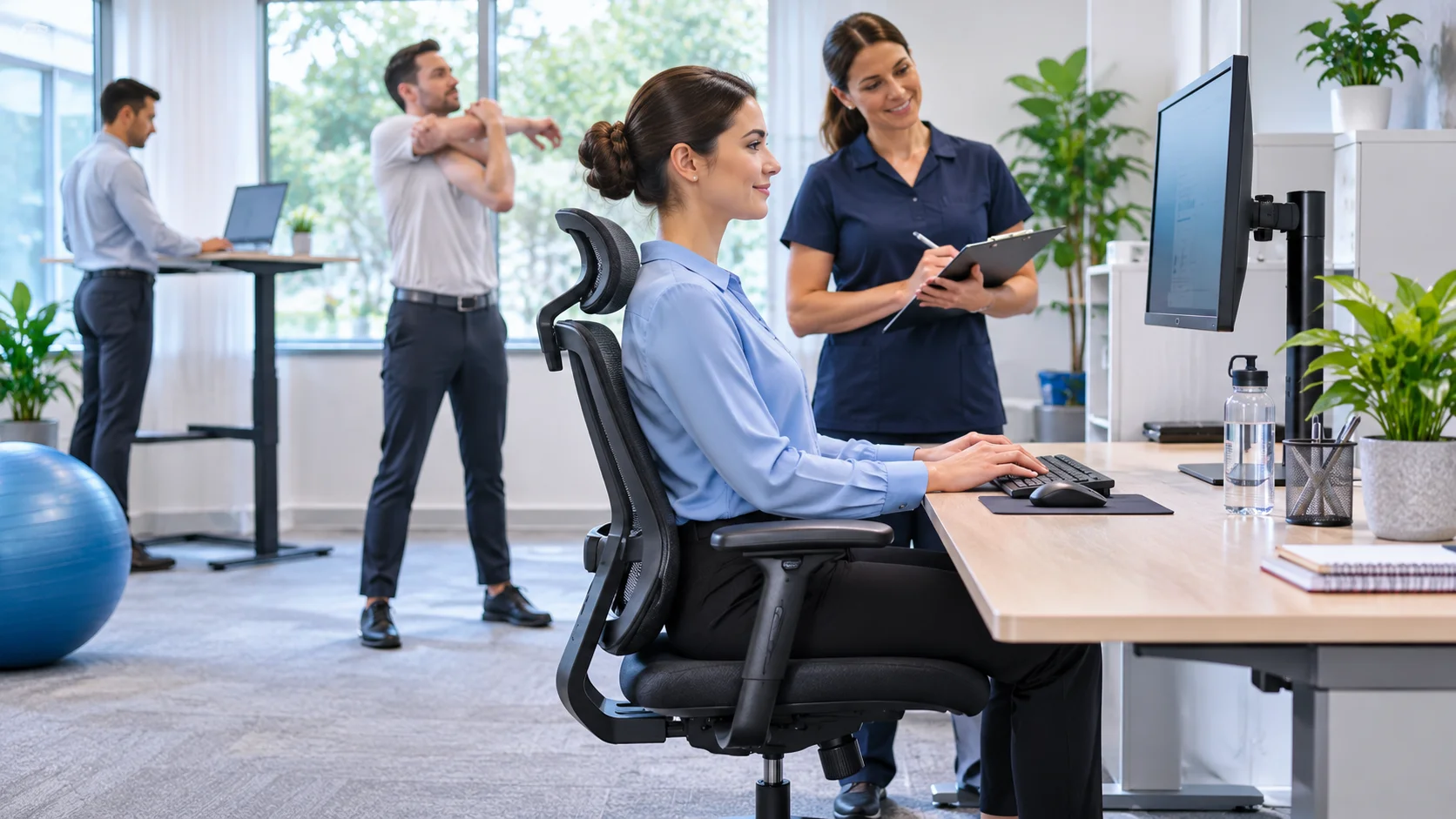

Ever finished your workday with a stiff neck, aching shoulders, or a tired lower back? You might blame your workload, but your workstation and daily working habits could also contribute.
Whether you’re sitting at a desk, standing behind a counter, or handling equipment, the way you work influences how your body feels.
Understanding work ergonomics in NE Calgary can help you identify unnecessary physical strain and make practical adjustments.
Let’s explore five Work Ergonomics tips that can improve workplace safety and make your working day more comfortable.
Workplace ergonomics involves arranging your equipment, workspace, and tasks to suit your physical needs.
An improperly positioned monitor, unsuitable chair, or repetitive lifting task may increase strain on your muscles and joints.
Over time, these demands can contribute to neck pain, back discomfort, shoulder tension, and repetitive-strain injuries.
The purpose of ergonomics at work is to reduce unnecessary physical stress while supporting comfortable, productive movement.
And here’s the interesting part: improving your workplace doesn’t always require expensive equipment.
They can. Bringing frequently used equipment closer or adjusting a task can reduce repeated effort. The changes should suit your body and the work you actually do.
Your chair might feel comfortable initially, but does it provide enough support throughout your workday?
One important element of office ergonomics is adjusting your seating arrangement to accommodate your body and working requirements.
Try these adjustments:
Remember, there’s no single sitting position you must maintain all day.
Changing positions regularly is just as important as having a supportive chair.
Comfort is a good starting point. Check whether your feet are supported, your shoulders feel relaxed, and you can reach your work easily. Give yourself opportunities to change position too.
Take a moment to notice your head position while looking at your computer screen.
Are you leaning forward? Constantly looking downward?
These habits may increase muscular demands around your neck and shoulders.
A suitable ergonomic workstation setup can help reduce unnecessary strain.
Consider these changes:
Work Ergonomics focuses on making your equipment fit your needs, allowing you to work without repeatedly bending or stretching into uncomfortable positions.
Check whether the text is easy to read and the screen is comfortably positioned. Adjusting text size, glare, or viewing distance may reduce the need to lean forward.
Typing and clicking might seem effortless, but these repetitive movements can contribute to wrist, hand, and forearm discomfort.
Your keyboard and mouse positioning should allow comfortable arm movements.
Try these simple changes:
If you experience persistent tingling, numbness, or wrist pain, an ergonomic keyboard alone may not resolve the problem.
Your working habits and overall workstation arrangement also deserve attention.
First, review how you use it. Placement, wrist position, mouse grip, and repetitive tasks all matter. Persistent pain or tingling deserves assessment before relying on a new keyboard alone.
Even a comfortable workstation cannot eliminate the effects of remaining in one position for several hours.
Regular movement is an important part of Work Ergonomics because your muscles and joints benefit from changing positions.
Build these habits into your routine:
You don’t need to perform lengthy exercise sessions throughout your workday.
Sometimes, simply changing your position or taking a short walk can help interrupt prolonged muscular loading.
Connect it to something you already do. Walk after finishing a task, change position between calls, or stand briefly when reviewing a document. Choose opportunities that work with your responsibilities.
Workplace safety isn’t limited to desk jobs.
If your responsibilities involve carrying supplies, stocking shelves, or repeatedly reaching overhead, your movement habits matter.
For workplace injury prevention, consider how frequently you perform physically demanding activities.
Keep these points in mind:
There’s no single lifting technique appropriate for every situation.
Safe handling depends on the weight, size, frequency, and physical demands of the task.
Modifying how a task is performed can sometimes reduce strain more effectively than concentrating on posture alone.
Consider its weight, shape, destination, and how often you need to move it. Clear your route and decide whether equipment or another person’s help would make the task more manageable.
What if you’ve adjusted your workstation but still experience recurring discomfort?
At Apollo Physiotherapy, our approach to work ergonomics in NE Calgary considers how workplace demands affect your movement and physical function.
Our physiotherapists will assess your posture, muscular strength, joint mobility, and movement patterns.
Depending on your needs, treatment will include:
We also provide physiotherapy for workplace injuries, including rehabilitation for eligible WCB-related concerns.
Our goal is to help you manage discomfort and develop practical strategies that fit your working responsibilities.
A physiotherapy assessment can explore other relevant factors, such as strength, mobility, workload, and activity tolerance. At Apollo Physiotherapy, recommendations can connect your rehabilitation with the demands of your job.
Your working environment should support your productivity without placing unnecessary strain on your body.
From adjusting your workstation to improving lifting habits, these five Work Ergonomics tips can help you create a more comfortable routine.
Remember, workplace safety isn’t about maintaining perfect posture. It’s about reducing avoidable physical demands and allowing your body to move comfortably.
At Apollo Physiotherapy, we provide personalized assessments, ergonomic guidance, and rehabilitation for work-related musculoskeletal concerns.
If you’re experiencing workplace discomfort or need guidance on work ergonomics in NE Calgary, our physiotherapists are here to help.
Book your assessment at Apollo Physiotherapy today and take a positive step toward a safer, more comfortable workday!
Ramesh Bimagani is a physiotherapist with 15 years of experience in musculoskeletal rehabilitation and workplace injury recovery. As Clinic Director at Apollo Physiotherapy, he focuses on personalized treatment, ergonomic guidance, and practical rehabilitation strategies to help patients manage discomfort, improve mobility, and return to their daily activities.
For an appointment about work ergonomics in NE Calgary, bring details of your duties, working hours, symptoms, and relevant medical history. At Apollo Physiotherapy, this information helps our team understand your working day.
Yes. With workplace ergonomics, a shared station should allow adjustments between users. Our team can discuss a short setup checklist you can follow at the beginning of your shift.
Photos may support a discussion about ergonomics at work. Check your employer’s permission first and avoid including confidential information. Our team can explain which views would help describe your tasks.
Yes. You can discuss office ergonomics for your home workspace with our physiotherapists. Tell us about space limitations, the equipment you use, and how often you work there.
Your glasses can influence which screen position feels comfortable. Tell our team if you tilt your head to see clearly so recommendations for your ergonomic workstation setup account for your viewing needs.
Yes. Comfort, reach, and tolerance for tasks can change during pregnancy. At Apollo Physiotherapy, tell our team about your pregnancy and any medical restrictions so recommendations reflect your current needs.
Yes. Workplace injury prevention can include reviewing vehicle access, sitting duration, equipment storage, and loading tasks. Describe how much driving your role involves and any symptoms you notice during travel.
Physiotherapy for workplace injuries can help identify your current abilities and rehabilitation goals. Our team can discuss how these relate to your duties and, with your consent, coordinate relevant recommendations with your care team.
Follow your employer’s reporting process, particularly if symptoms followed a workplace incident or affect your ability to work safely. Keep a record of when symptoms began and discuss applicable claim requirements with the appropriate contact.
Contact Apollo Physiotherapy and explain your symptoms, job responsibilities, and whether your concern involves a workplace injury. Our reception team can clarify the appropriate appointment and any information needed before your visit.